
A quote request form should give your team enough information to begin a useful conversation. Before adding fields, decide what you need to know, what the customer can reasonably provide and what happens after submission. For a Wexford trade business, the job location and a short description may be more useful initially than a long technical questionnaire.
Agree whether the first response will be a phone call, an email or a request to arrange a visit. That decision helps you choose contact fields and explain the next step. If you normally discuss a job before preparing a quotation, make that clear beside the form.
Use wording your team can support. A request for a quote begins an enquiry; it does not automatically confirm a price, booking or installation date. State any response timeframe only when someone has agreed responsibility for meeting it.
Start with a name, a suitable way to reply and a description of the work. Ask for the town or general job location if that helps establish whether you cover the area. A full site address can follow when your team needs it to arrange a visit.
For businesses offering several services, a short choice such as gates, railings or repairs can help identify the request. Include an option for someone who is unsure. Mark required fields clearly and make optional questions optional in practice, so visitors can still enquire when details are undecided.
If approximate dimensions would help, say which measurements you need and give an example of the units to use. Explain whether they are for an initial discussion or whether your team will confirm measurements later. Avoid wording that makes a customer responsible for providing a final technical specification at first contact.
Photographs may help explain the work. If you add an upload option, agree the accepted files and limits, explain them beside the control and test the route from a phone. You can also discuss photographs after the first enquiry. Choose the approach your team can manage consistently.
Put the enquiry link where someone has just read about the relevant service or viewed a completed project. Use a clear label such as “Request a quote”. Give visitors enough context to know which business they are contacting and what kind of request they can send.
Keep a phone number available for people who would rather discuss the job. Where several pages lead to the same form, check that any service selection still makes sense and that visitors can change it.
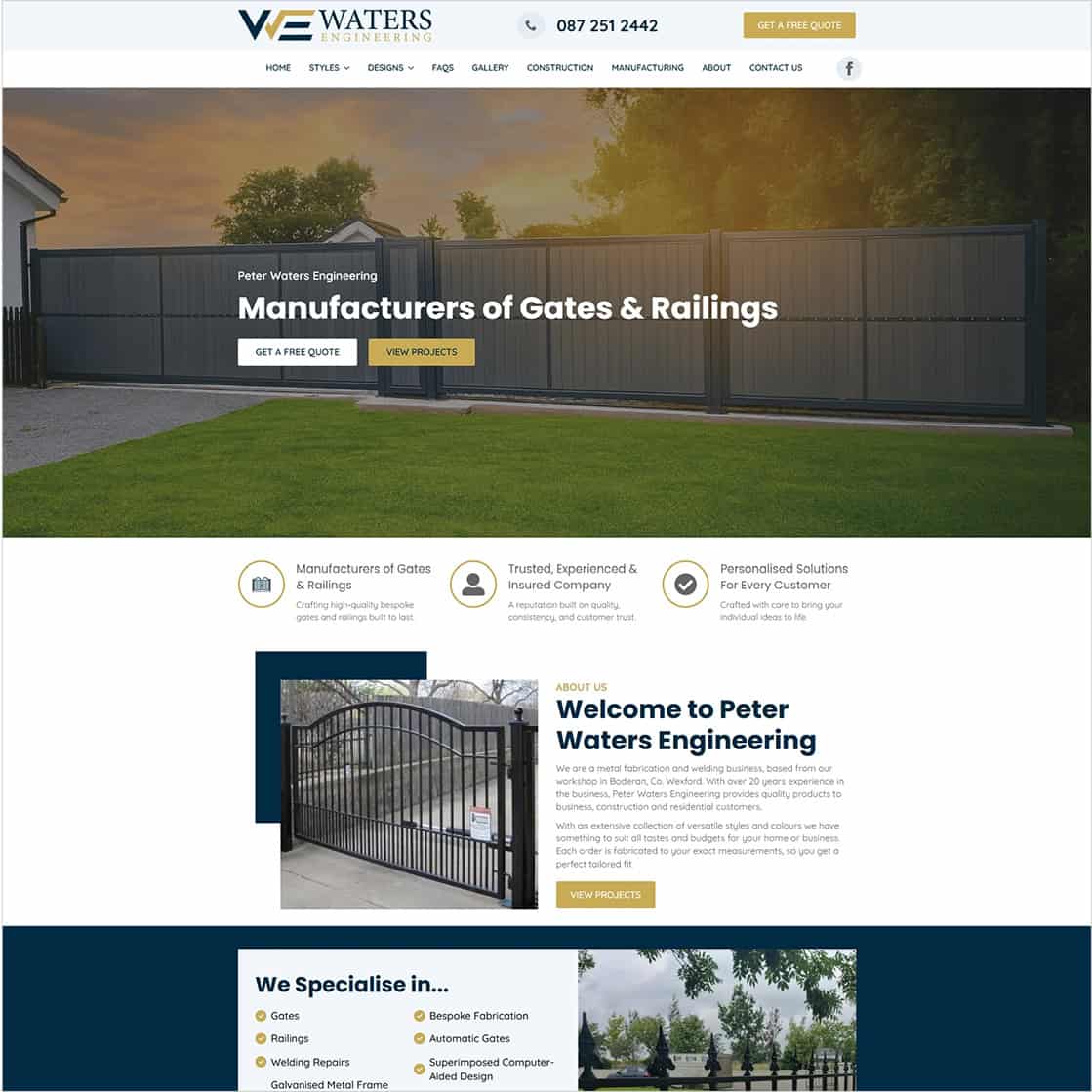
Peter Waters Engineering operates from Boderan, Campile, County Wexford. We built its WordPress website to present gates, railings and bespoke metalwork, with style pages and a project gallery that visitors can explore before making contact.
Project credits: designed by Diskin Design and built by Istech, as credited on the live website.
Its public quote guidance asks people to describe the type of gate or railings, approximate dimensions, photographs, design ideas and location. It also gives phone and email contact options. The contact page has a general message form, so the guidance and the form serve related purposes without making every project detail a separate field.
For another trade business, the useful lesson is to explain what information would help and leave room for a conversation when the customer is unsure. Plan any upload or detailed questionnaire around your own process rather than assuming every enquiry needs the same information.
Explore the Peter Waters Engineering website or read our Wexford website project article.
Review the form on a narrow screen with the keyboard open. Check that labels remain visible, fields fit the screen and the send button is easy to reach. Try entering a phone number and email address, then correct a mistake to see whether the instructions are clear.
If an error appears, the visitor should be able to identify the field and correct it without starting again. Check any photo selection separately, including what happens when a file is too large.
Use this short checklist when discussing a new form or a change to an existing enquiry route:
For more enquiry checks, read our ten practical website tweaks guide. Our project scope comparison guide helps you agree the content, features, testing and handover included.
Review the form when your services, coverage or contact details change. Check that helpful instructions still reflect the work you take on. Our technical maintenance is billed yearly. Content work and ongoing SEO are quoted separately, with hosting identified separately in the quotation.
If you are planning a new website or improving an existing enquiry route, explore our web design service for Wexford businesses or contact Istech with your current website and requirements.